by Taylor Brown | Jan 31, 2025 | Feature Blog
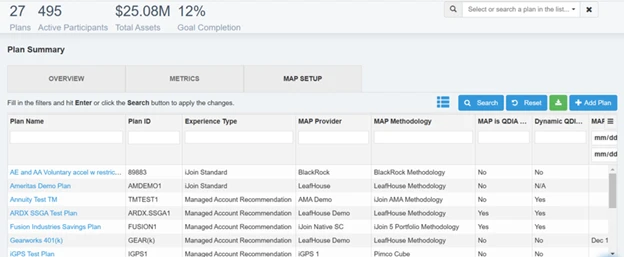
We’ve kicked off 2025 with some exciting updates to iJoin. As part of our dedication to keeping you informed, this month’s email highlights the latest features we’ve rolled out and provides a glimpse into what’s coming next. Recently Released 1. Admin Views...
by Taylor Brown | Jan 8, 2025 | How-to Videos
Reviewing your email campaign data is easy with iJoin. Begin from the home screen of the iJoin advisor portal Go to the left hand side navigation menu and click “messaging.” This will bring up all of your email messages you have sent to the current date....
by Taylor Brown | Jan 8, 2025 | How-to Videos
Begin from your iJoin Advisor Dashboard Go to the left hand sidebar and select “messaging.” Click “create a new campaign.” Enter your desired name for the campaign Select the targeting criteria, either predetermined or custom. Select the plans...
by Taylor Brown | Jan 8, 2025 | How-to Videos
Begin from the home screen of the iJoin advisor portal Go to the left hand side navigation menu Select “reports” Click “Create new report” On the Create Report screen: Select the desired report format, whether in PDF or Excel. Select Outside...
by Taylor Brown | Jan 8, 2025 | How-to Videos
Be advised that a plan health report can only be generated for plans enabled with an ACT license. Begin from the iJoin Advisor Dashboard Go to the left hand side navigation of the screen Select the Reports tab. From the Reports screen: Click “create new...


Recent Comments